Will you create a custom 404 page and error handling?

Will You Create a Custom 404 Page and Error Handling?
In the rapidly evolving landscape of web development, user experience reigns supreme. One of the critical aspects often overlooked is how a website handles errors — particularly the 404 Not Found error. The question arises: Will you create a custom 404 page and implement robust error handling? This post explores why custom 404 pages and comprehensive error handling are essential, best practices for creating them, and how they can significantly improve your site’s reputation and user engagement.
Understanding the 404 Error
When a user attempts to visit a page that does not exist on your website, the web server responds with an HTTP status code 404. This code indicates that the requested resource could not be found. By default, a 404 error page is often a simple, generic message generated by the server. While it gets the job done technically, it’s rarely helpful or engaging for the visitor.
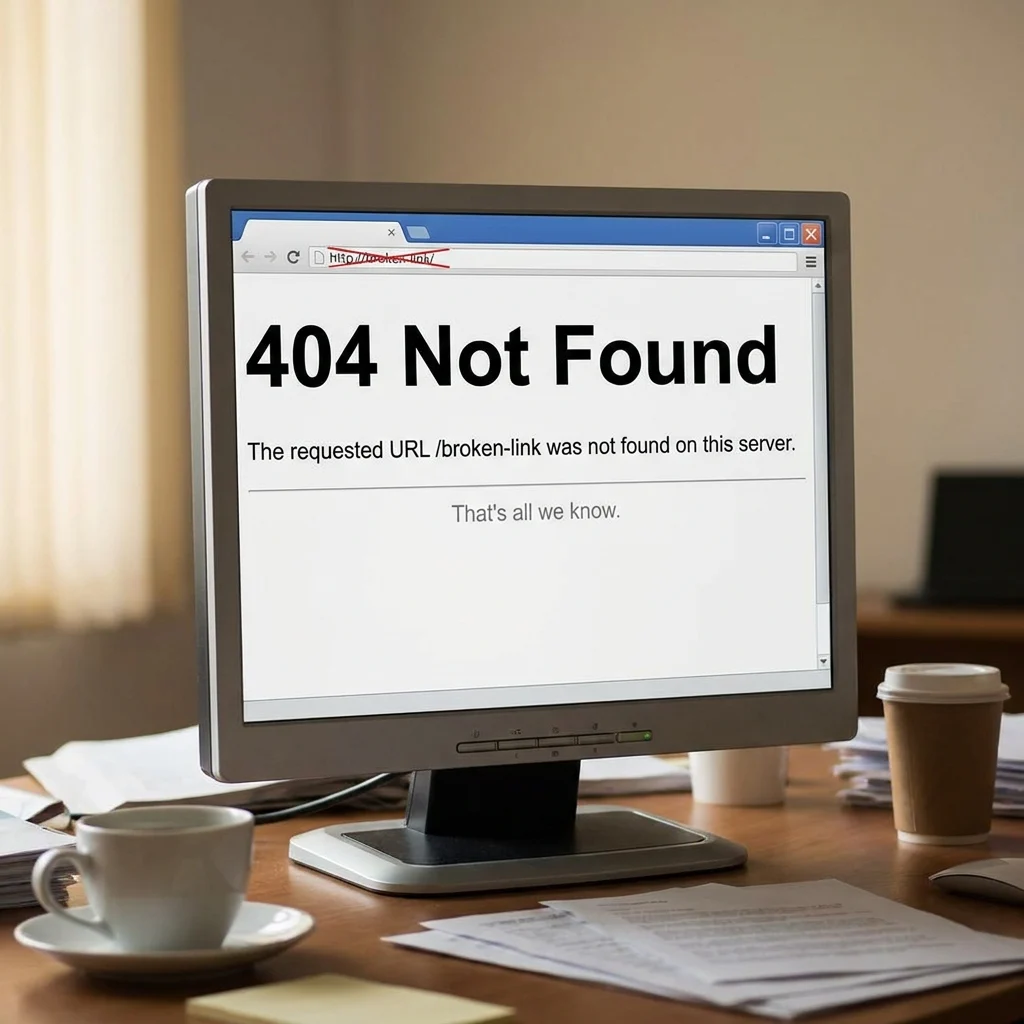
Why the Default 404 Page is Not Enough
Default 404 pages can create confusion, frustration, and often a swift exit from your website. Consider these issues:
- The page usually lacks navigation options to guide users back to relevant content.
- It doesn’t reflect your brand identity or tone, appearing unprofessional.
- Users get no assistance finding what they were originally looking for, increasing bounce rates.
- It provides no SEO benefit and could negatively affect your search engine rankings if crawl bots encounter numerous dead links.
The Importance of Custom 404 Pages
Custom 404 pages are designed to offer a more helpful and branded experience when users land on non-existent pages. They help retain visitors by assisting them in navigating your site instead of abandoning it. Some benefits of custom 404 pages include:
- Brand continuity: Incorporate your logo, colors, and voice to maintain professionalism.
- Improved navigation: Provide links to popular pages, recent blog posts, or your homepage.
- Enhanced user engagement: Use humor or creative messaging that aligns with your brand personality.
- SEO benefits: Reduce bounce rates and help search engines find alternate pages.
- Error reporting: Integrate analytics tools to track 404 errors and identify broken links needing fixing.
Best Practices for Creating Custom 404 Pages
1. Clear Messaging
Communicate the problem succinctly and kindly. Instead of a cold “404 Not Found,” use friendly language like:
“Oops! We can’t seem to find the page you’re looking for.”
2. Offer Navigation Options
Help visitors recover their footing by providing:
- A prominent link to the homepage
- Search functionality for site content
- Links to popular or related content
- Contact information for further help
3. Maintain Visual Consistency
The page should feel like part of your site, visually and tonally:
- Use the same header, footer, and menu styles as other pages
- Keep brand colors and fonts consistent
- Consider adding your mascot or branding elements that users associate with your business

4. Add Personality
Adding a bit of humor or charm can help soften the disappointment. For example:
“Looks like you’ve reached a page that’s gone on vacation.”
5. Use Error Logging and Analytics
Implement tools to monitor when and where 404 errors occur on your site. This helps in:
- Identifying broken links or mistyped URLs
- Spotting trends, such as outdated pages linked from other sites
- Prioritizing fixes to improve site health
Error Handling Beyond the 404 Page
While 404 errors are the most common, there are numerous other HTTP error codes and scenarios requiring thoughtful handling. A comprehensive approach will improve overall site resilience and user experience.
Common HTTP Errors and Handling Strategies
- 400 Bad Request: Indicates malformed syntax; provide a helpful message and steps to correct the input.
- 401 Unauthorized: Prompts user login or explains access restrictions politely.
- 403 Forbidden: Explain why access is denied and provide alternatives if applicable.
- 500 Internal Server Error: Notify users of temporary server issues and provide contact info or retry suggestions.
- 503 Service Unavailable: Communicate planned maintenance or upgrades clearly, with expected downtime.
Best Practices for General Error Handling
- Graceful Degradation: Ensure that in the case of errors, your website still renders content or navigation options to the user.
- Consistent Branding: Error pages for all HTTP status codes should maintain your website’s style and tone.
- User-Friendly Language: Avoid technical jargon; keep explanations simple and supportive.
- Recovery Opportunities: Offer ways for users to get back on track, such as links or search bars.
- Automation and Alerts: Configure error logging and alerts to detect issues promptly.
Technical Implementation Tips
Creating a Custom 404 Page
Most frameworks and CMS platforms support custom error pages. For example:
- Apache: Use the
ErrorDocument 404 /404.htmldirective in your.htaccess. - Nginx: Configure
error_page 404 /404.html;in your server block. - WordPress: Use the 404.php template file in your theme folder.
- React/Vue/SPA Frameworks: Implement a 404 route component with user-friendly content.
Integrating Analytics and Logging
You can track 404 errors using:
- Google Analytics: Trigger events or virtual pageviews when a 404 page is loaded.
- Server logs: Analyze raw logs to detect errors and problematic URLs.
- Error tracking services: Tools like Sentry or LogRocket can help monitor client and server errors.
Conclusion: Should You Create a Custom 404 Page and Implement Error Handling?
The short answer is emphatically yes. A thoughtfully designed custom 404 page paired with comprehensive error handling offers numerous benefits:
- It improves user experience by helping visitors find the right content even when mistakes happen.
- It strengthens your brand presence by turning an error into an opportunity for engagement.
- It protects your SEO by reducing bounce rates and guiding visitors through your site structure.
- It allows you to discover and resolve broken links and server issues proactively.
As websites become more sophisticated and users grow more demanding, ignoring error handling and defaulting to generic 404 pages is no longer acceptable. Instead, think of error pages as an essential part of your site’s architecture — a silent ambassador that reassures visitors and guides them seamlessly through your digital property.
Ultimately, building custom 404 pages and structured error handling is more than a technical necessity; it’s sound business strategy that pays dividends in user satisfaction, trust, and long-term site success.