

What Security Measures Will You Put in Place for My Website?
In today’s digital landscape, website security is more important than ever. Cyberattacks are becoming increasingly sophisticated, and the consequences of a security breach can be devastating—from loss of customer trust to financial penalties. If you’re wondering what security measures to implement for your website, it’s crucial to adopt a comprehensive approach that covers everything from server protection to user access controls. In this article, we’ll dig deep into the essential security protocols and best practices that should be in place to safeguard your website effectively.
Understanding the Importance of Website Security
Before diving into the specific security measures, it’s important to understand why protecting your website is critical:
- Protection of Sensitive Data: Websites often handle personal information, payment details, and confidential business data that must be kept secure.
- Maintaining User Trust: Visitors are less likely to engage with or return to a website that is compromised or perceived as unsecured.
- Compliance Requirements: Many industries require adherence to data protection regulations, such as GDPR or PCI DSS.
- Mitigating Financial Loss: Security breaches can lead to significant financial losses due to theft, legal fines, and mitigation costs.
Core Website Security Measures
Effective website security involves layers of defense. Here are the foundational measures every website should implement:
1. Use HTTPS and SSL/TLS Encryption
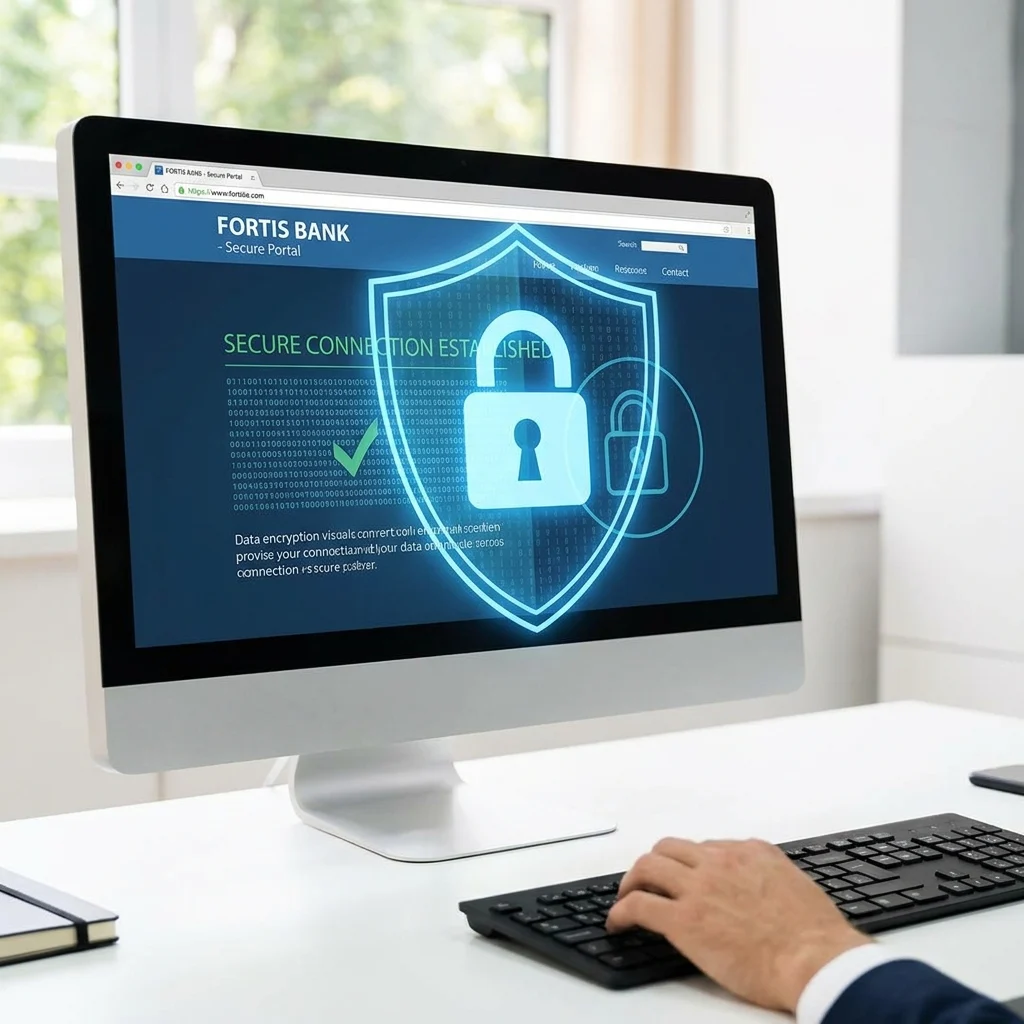
HTTPS (HyperText Transfer Protocol Secure) ensures that data transferred between the user’s browser and your web server is encrypted. This prevents attackers from intercepting sensitive information through man-in-the-middle attacks.
- Obtain an SSL/TLS certificate from a trusted Certificate Authority (CA).
- Configure your website to force HTTPS connections.
- Regularly monitor certificate validity and renew before expiry.
2. Keep Software and Plugins Up-to-Date
Outdated website software (content management systems, plugins, themes) can have vulnerabilities that hackers exploit.
- Apply security patches and updates promptly.
- Remove unnecessary plugins or software modules.
- Use reputable plugins from reliable sources only.
3. Implement Strong Authentication Mechanisms
Proper authentication reduces the risk of unauthorized access.
- Enforce strong password policies (length, complexity, expiration).
- Enable Multi-Factor Authentication (MFA) for admin panel or user login.
- Limit login attempts to reduce brute force attack success.
4. Use Web Application Firewalls (WAF)
A WAF monitors and filters incoming HTTP traffic to block malicious requests, such as SQL injection and cross-site scripting (XSS) attacks.
- Choose cloud-based or host-integrated WAFs based on your hosting environment.
- Regularly update firewall rules and monitor alerts.

Additional Security Best Practices
5. Regular Security Audits and Vulnerability Scans
Monitoring your website’s security posture is crucial. Automated scanning tools and manual audits help identify weaknesses before attackers do.
- Schedule regular vulnerability scans.
- Engage third-party penetration testers periodically.
- Patch vulnerabilities found immediately.
6. Secure Your Hosting Environment
Your website’s hosting environment can be a significant factor in its security.
- Choose reputable hosting providers with security certifications.
- Use dedicated or virtual private servers rather than shared hosting where feasible.
- Isolate services to minimize attack surface.
7. Backup and Disaster Recovery Plan
In case of a breach or data loss event, backups are your safety net.
- Maintain regular automated backups with versioning.
- Store backups offsite or in separate physical/logical locations.
- Test restoration procedures to ensure quick recovery.
8. Protect Against Common Attacks
- SQL Injection: Use parameterized queries or prepared statements.
- Cross-Site Scripting (XSS): Validate and sanitize user input.
- Cross-Site Request Forgery (CSRF): Use anti-CSRF tokens.
- Distributed Denial-of-Service (DDoS): Employ network-level protections and traffic filtering.
Monitoring, Incident Response, and User Education
9. Continuous Monitoring and Logging
Proactive monitoring helps detect suspicious activities early.
- Implement centralized logging for all access and error logs.
- Use intrusion detection/prevention systems (IDS/IPS).
- Set up alerts for abnormal behavior.
10. Have a Clear Incident Response Plan
How you react to an incident determines the overall impact.
- Define roles and responsibilities for security incidents.
- Prepare communication strategies (internal and external).
- Document steps to contain, eradicate, and recover from attacks.
11. Educate Your Team and Users
Technical measures alone are not enough if users fall victim to phishing or social engineering.
- Train staff on security policies and safe practices.
- Educate users about strong password use and recognizing scams.
- Regularly update training materials as threats evolve.
“Website security is not a one-time project—it’s an ongoing commitment that requires vigilance, updates, and a strong defense in depth approach.”
Conclusion
Securing your website is a multi-layered process that requires a combination of technical solutions, ongoing management, and user awareness. By implementing HTTPS, maintaining up-to-date software, enforcing strong authentication, deploying firewalls, and actively monitoring your environment, you can significantly reduce your risk of cyberattacks. Additionally, creating backup plans, conducting frequent security audits, and educating your team are critical components of a resilient security strategy.
Every website and business is unique, so tailoring these security measures to your specific needs and threat landscape is essential. Investing in proper security not only protects your valuable data but also builds trust, supports compliance, and safeguards your brand reputation in the long term.
